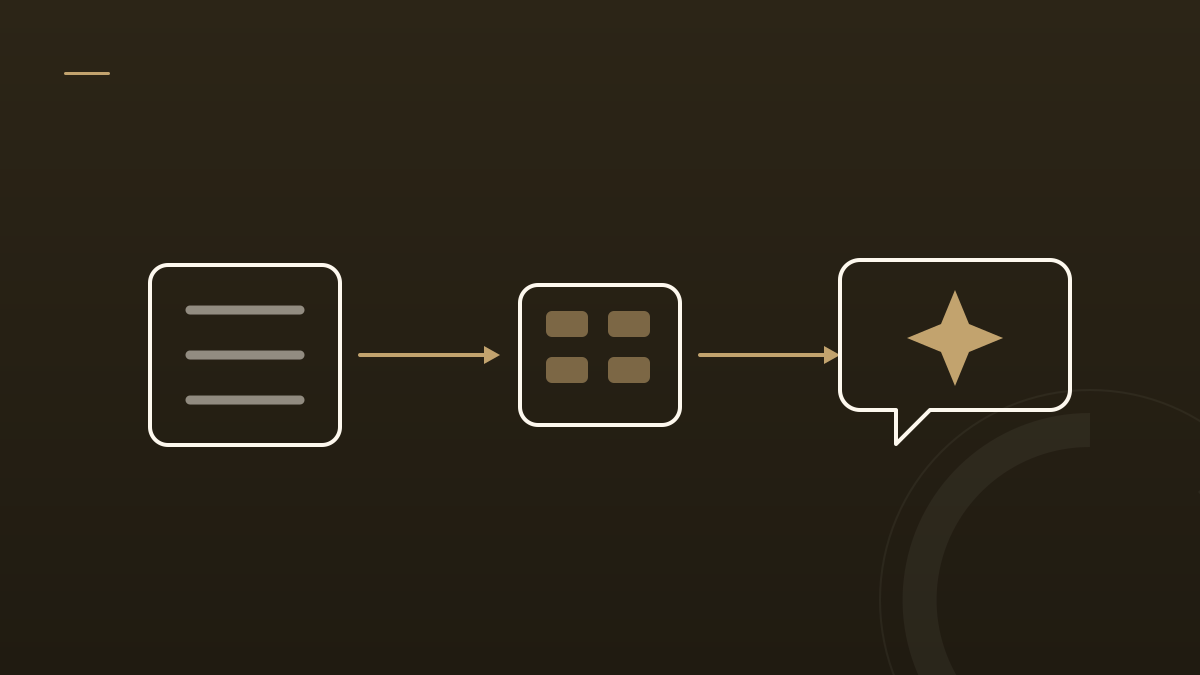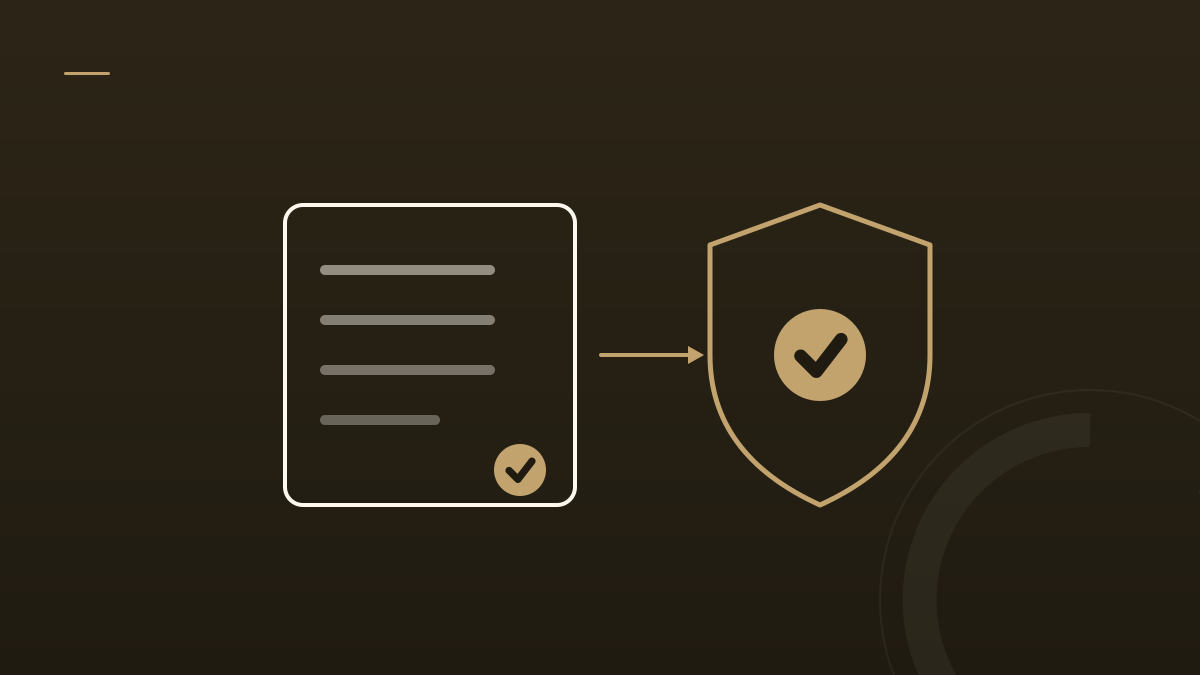
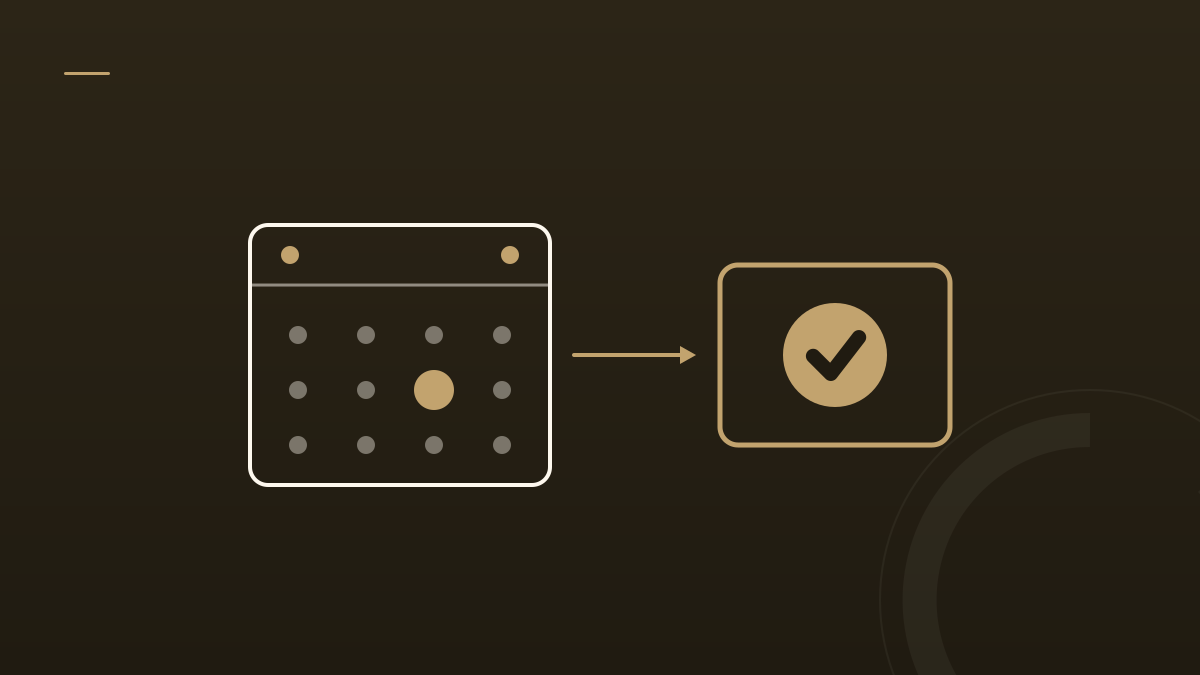
If your site’s main call to action is a contact form, you’re losing booked clients at the exact moment they’re ready. A form asks an interested visitor to stop, submit, and wait for you to reply. A booking system lets them pick a time and commit now — while the intent is hot. For a service business, that swap is one of the highest-leverage conversion changes you can make.
Here’s why, and how to do it right.
The Real Problem With the Contact Form
The issue isn’t the form — it’s the gap it creates. Between “I’m interested” and “we’re talking” sits a wait: you have to see the message, respond, play scheduling tag, and hope they’re still warm. Every hour in that gap cools the lead. Meanwhile the competitor whose site let them book on the spot is already on the calendar.
| Contact form | Booking system | |
|---|---|---|
| The visitor’s action | Sends a message, then waits | Picks a time, commits now |
| Time to a conversation | Hours to days | Instant |
| Follow-up | You chase it | Automatic confirmation + reminders |
| Becomes a CRM lead | Only if you log it | Automatically, with source + time |
What a Good Booking System Does That a Form Can’t
- Captures commitment, not just interest. A chosen time slot is a far stronger signal than a submitted message — and it’s harder to abandon.
- Removes the back-and-forth. No scheduling tag. The visitor sees real availability and books instantly; you both get a calendar invite and a video link.
- Follows up automatically. Confirmation and reminder emails cut no-shows without you lifting a finger.
- Becomes a CRM lead by itself. A good setup records the booking as a contact automatically, with source and timestamp — so nothing falls through the cracks and you can measure what’s working.
Do It Without Adding Friction — or Losing Ownership
Two principles matter as much as the tool you pick:
- Keep it on your site. Don’t bounce visitors to a third-party page at the moment of action — every redirect leaks conversions. Embed the scheduler where they already are.
- Own the system. Your calendar, your CRM, your contacts should live in accounts you own, not locked inside an agency’s or a builder’s account. If you ever change providers, the bookings and the lead history come with you. Owning your platform means the pipeline you build is yours — the throughline behind everything we do.
When a Form Still Makes Sense
Booking isn’t always the right first ask. Some visitors aren’t ready for a call and want a low-commitment question answered — that’s what a chatbot or a simple message option is for. The rule of thumb: make booking the primary, most prominent action, and keep a lighter option for the not-yet-ready. Lead with commitment; don’t force it.
We practice this: the button on this site books a real call, on our own calendar, that lands as a CRM contact automatically.
Ready to turn more visitors into booked clients? Book a strategy call — fittingly, right here, in about 30 seconds.